DevQiao Keep on hacking
FatRes - A solution for the sedentary lifestyle
Using the “User-centered Interaction Design Process”, this project aim to design a meaningful system to ease the specific people’s sedentary lifestyle.
Problem
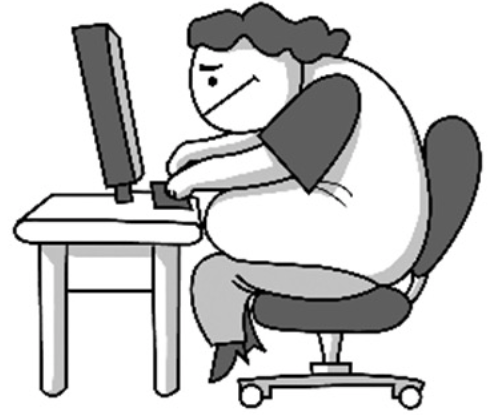
Sedentary lifestyle will lead people in the state of sub-health prematurely, and sitting for a long time will become fat.
Target Population
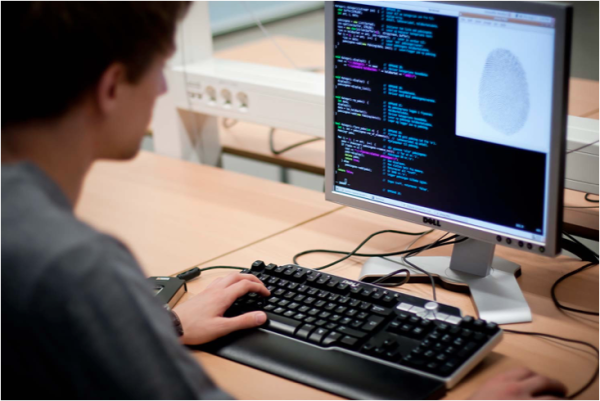
Researchers / graduated students, who have sedentary lifestyles
-
They read paper for a long time

-
Can flexibly control their time
Importance
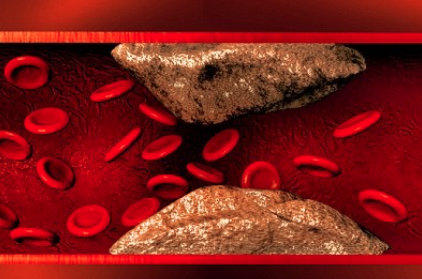
Sedentarism and Obesity can cause Cardiovascular diseases
Sedentarism would form a vicious cycle
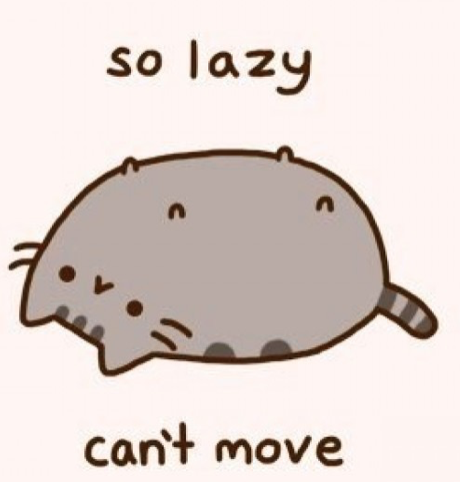
Sedentary lifestyle -> Obesity -> Lazy -> Low efficiency -> Sit for longer time -> Sedentary lifestyle
Stakeholders
- Researcher themselves would be healthier
- boss love efficient researchers

Interview - Understanding Users
How we recruited interviewees?
- We find people who are in the same laboratory or friends.
- We totally recruited 18 interviewees.
- Most of them are researchers, and only 2 interviewees are engineers.
Themes of our questions
- Why did you sit for such a long time then?
- What interrupt you then?
- What did you do after the interruption?
- Why did you do that?
- What interrupt you then?
- Do you know what and how sedentary lifestyle affect you?
- Do you know how to avoid sedentary lifestyle?
- If you don’t know, please come out a method right away.
- What kind of method did you use to avoid sedentary lifestyle?
- Why did you choose that method?
- Did you success?
- Yes: Why did you keep using this method?
- Would you recommand this method to others?
- How would you recommand it?
- No: Why can’t you keep using this method?
- What problem did you face?
- Yes: Why did you keep using this method?
- Do you know how to avoid sedentary lifestyle?
- What’s your favorite leisure activity?
- Is this activity need to be done while sitting?
- Can you do this activity without sitting for a long time?
- Is there any other leisure activity that need not be done while sitting?
Model
What models did we create and use
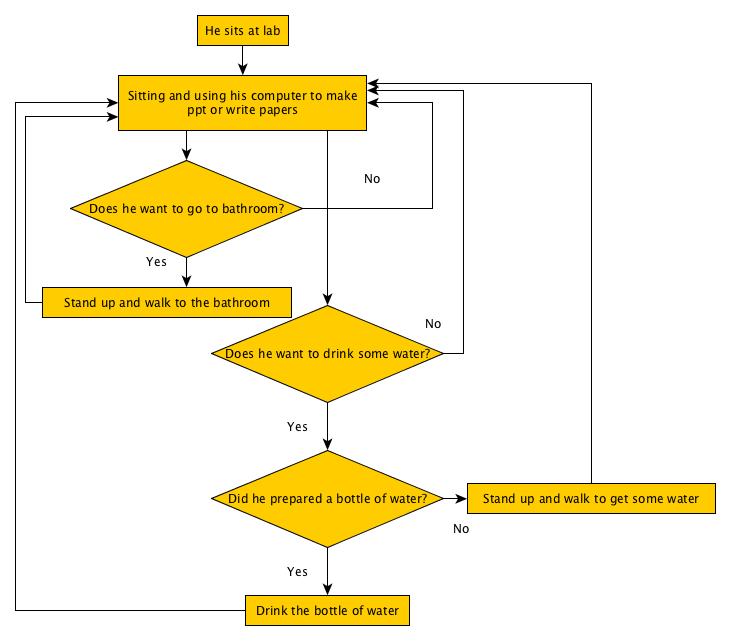
We used the sequencial model
Primary Intent: Using the computer to make ppt or write papers
Trigger: When they are at lab and need to work
Breakdown: They need to drink water or go to bathroom
Step:
Affinity wall - Data Interpretation
- lowest layer
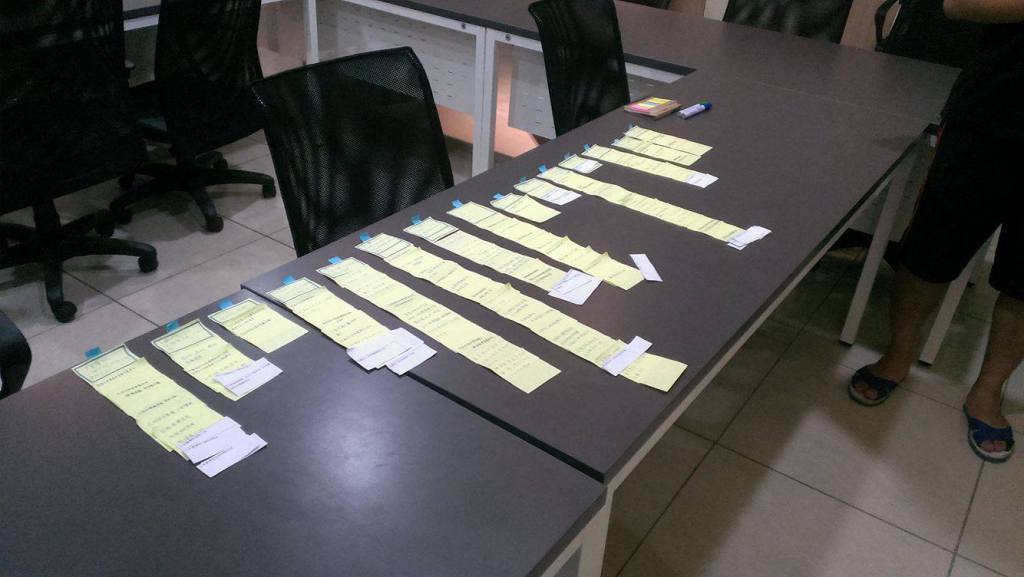
- higher layers
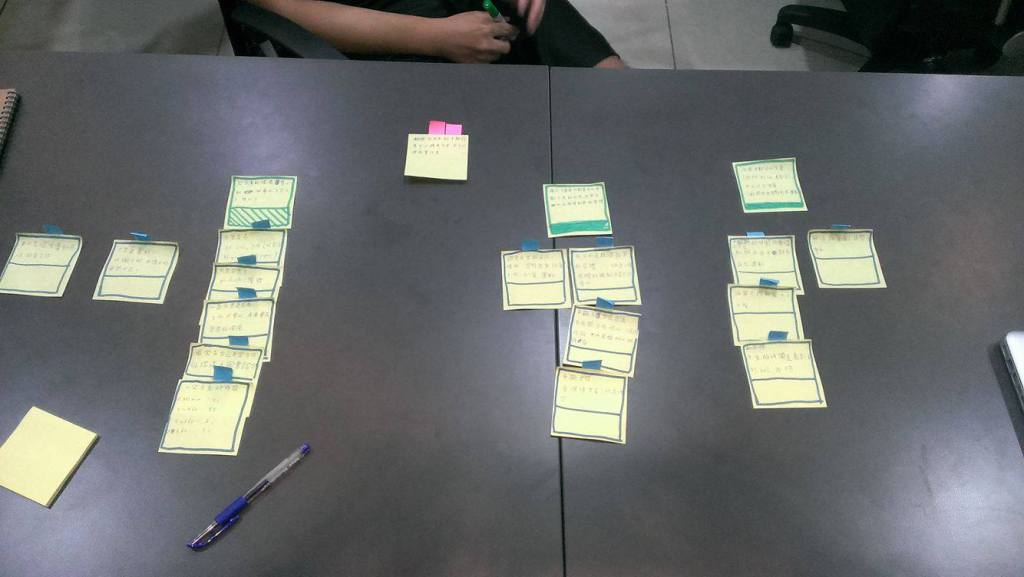
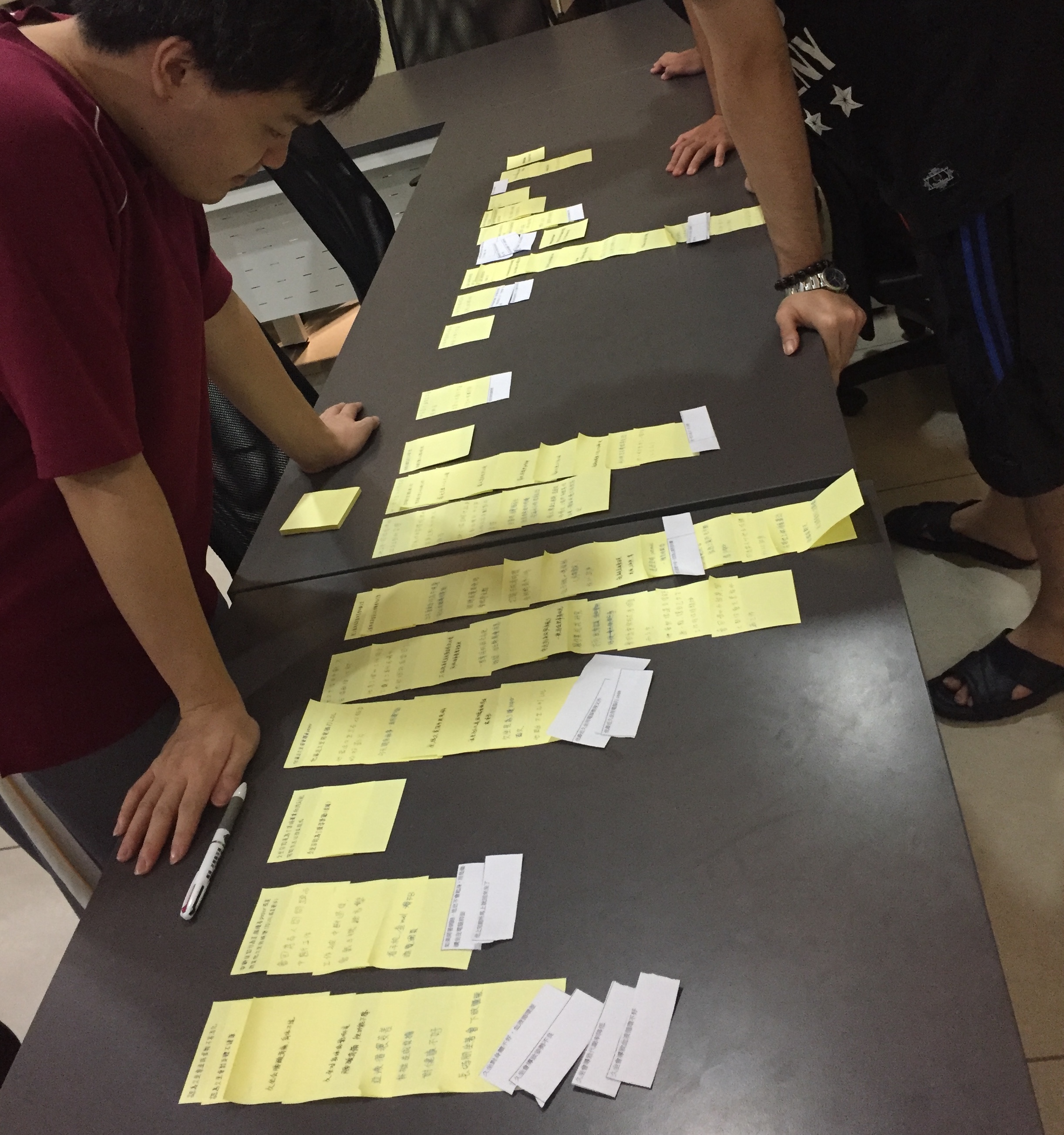
Key findings & highlights
Red Tag:
The top is that by interrupting the current behavior,interviewees can not only avoid sedentarism but can also increase their working efficiency and concentration.
Green Tags:
When doing leisure activities, interviewees can be sitting (browsing FB, playing LOL, or watching movies), or not (going out for a walk with friends or exercising).
Interviewees can avoid sedentary lifestyle by drinking water, going to the restroom, or eating and so on, but can not form the habit of standing up.
Concentrating on doing something in the suitable environment leads interviewees to sedentary for more than two hours.
Personas
Method
- We created 4 personas based on our interview data
- We compared the personas and chose some valuable behavior variables and remove the other less valuable ones
- We merged the personas into 3 final personas based on their behavior variable distributions
Behavior Variables and Distribution
We use the following attributes to create 7 behavior variables
Activity:
- He sits in a chair for almost all day long
- Sometimes he stands up and walks to bathroom
- Sometimes he stands up and walks to drink some water
- He plays games while sitting for an hour
- He watches videos on Youtube while sitting for half an hour
- He makes ppt while sitting for 2 hours
- He prepares enough water before working so that he doesn’t need to stand up to get some water
Attitude:
- He knows the disadvantages of sedentary lifestyle, but he is too lazy to stand up
- He doesn’t like to go outside
- He doesn’t like to stand up for more than half an hour
- He wants to concentrate on his work
- He doesn’t like to do leisure activities while standing up
- He doesn’t have the habit to stand up, so he can’t change the sedentary lifestyle
- He wants to concentrate on his work so he doesn’t stand up
- He is too lazy to stand up
Motivation:
- He wants to become healthier
- He wants to concentrate on his work more
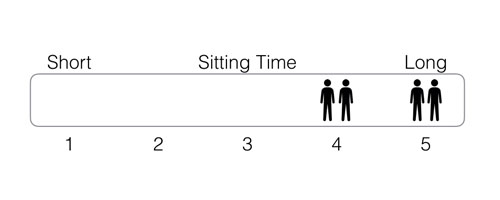
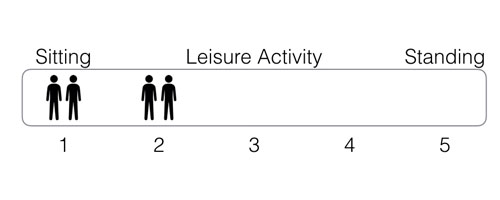
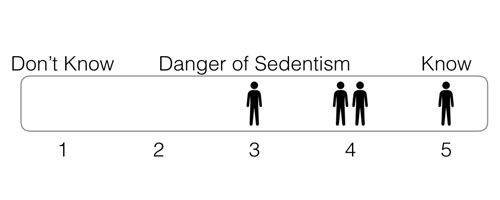
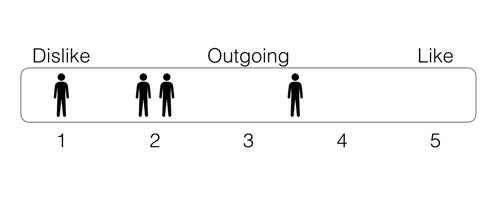
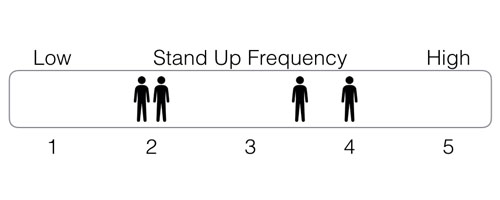
Finally, we got 7 behavior variables and their distribution
- Sitting time (short – long)
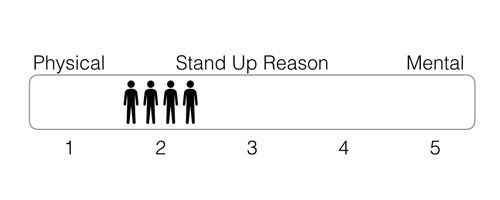
- Standing up reason (physical – mental)
- Leisure activity (sitting – standing)
- Danger of sedentism (don’t know – know)
- Outgoing (no – yes)
- Stand up frequency (low – high)
- Personality (lazy – hardworking)
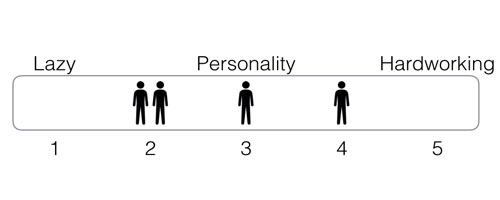
Finally results of personas
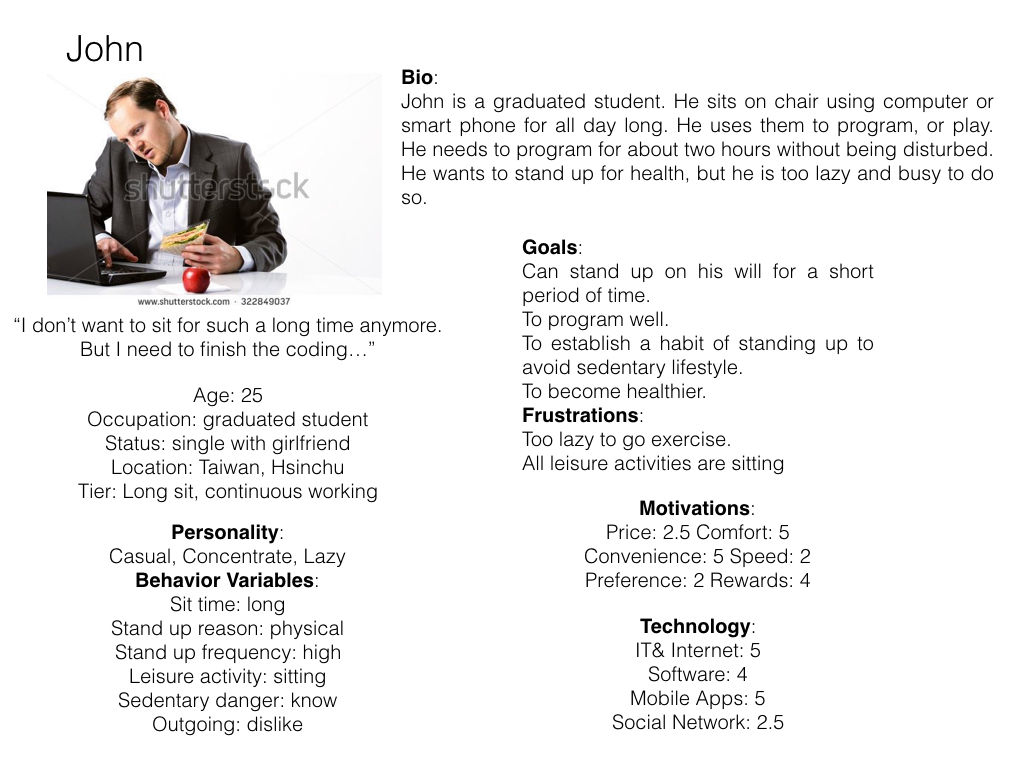
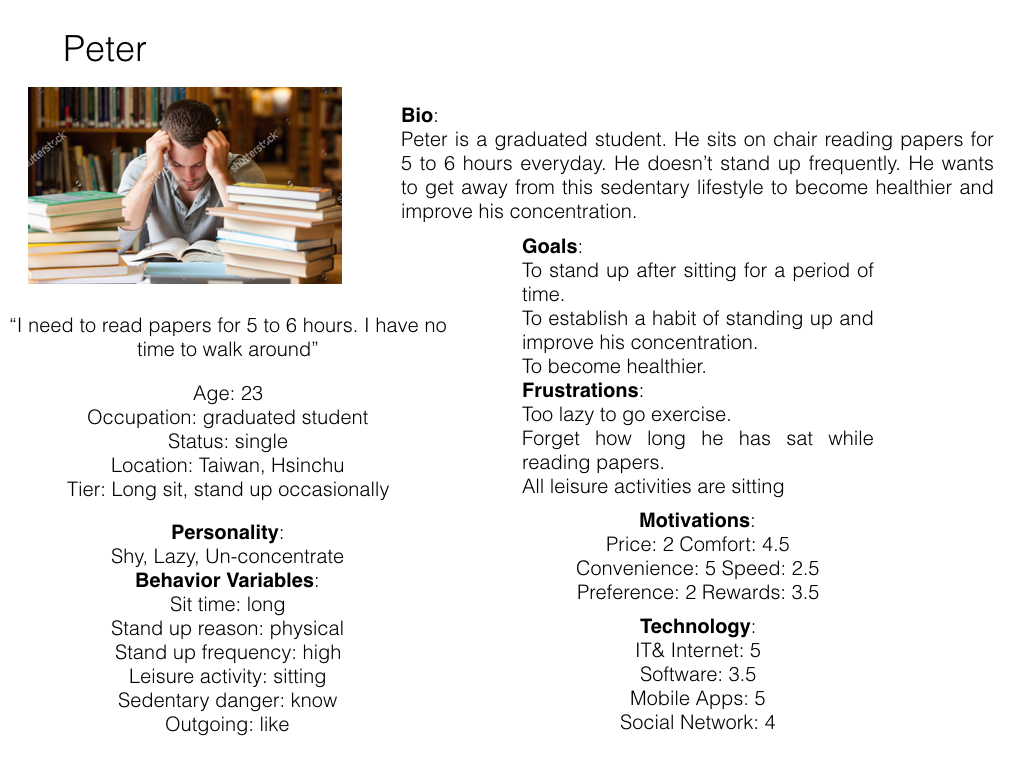
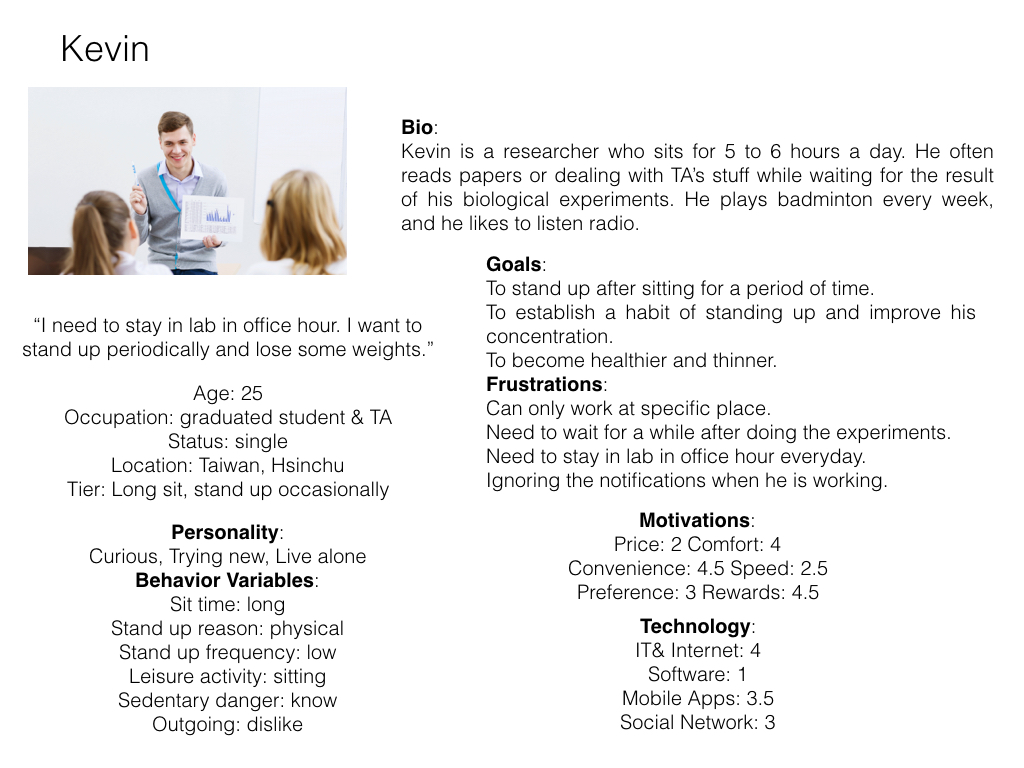
Scenarios
We design a game, FatRes. Players have to walk around to complete missions. The stamina is recovered every 30 minutes with ringing or vibration on the phone.
Method
- We came out with several situations
- Choose one situation that matches with persona
- Set up the timing of the events
- Write down the details of what persona does to complete the scenario
Finally results of scenarios
Scenario #1
As usual, after arriving at his laboratory the first action Kevin takes is sitting on his seat, and then logs in FatRes not only to turn his mind to work but also to get daily reward. The next schedule showing on FatRes is time for teaching assistants. Because he was appointed as a curricular tutor for this semester, he has responsibility to stay here for following two hours to give a response to any student who has questions. Kevin opens the paper and continues reading from where he marked yesterday. Until FatRes rings to remind Kevin of that his stamina on the app is recovered, he leaves to the pantry room with his cup to fill it with water. On the way, he feels glad about his cumulative achievements. Upon getting back on his seat, he pays attention on paper until there are two students ask him about homework. Before answering their questions, he turns his phone to vibration mode. While their discussion, no one notices the vibration. Until those two students leave, Kevin notices tips from FatRes and stands up suddenly to answer the following question. Before lunch, he keeps what he does as usual, going to the staff room upon receiving the tips from FatRes, or sometimes going around to the restroom. Afternoon the FatRes reminds Kevin when one hour earlier than he has an agreement with his classmates to play badminton, he start stretching to warm up before today’s last breakdown .
Scenario #2
John walks to his lab and sits in the chair in the morning. He puts his bag on the table and takes out his phone and breakfast. He opens FatRes game in his phone and takes it out with breakfast. FatRes shows that the next chapter of the story is two miles away, so John walks to the place with FatRes’ guide. After reading the latest chapter of story and finishing his breakfast, John walks back to his lab. He puts the phone on the table and sits in the chair. He opens the computer and start programming for two hours. After completing several functions, John decides to take a break and open his phone. The notification of FatRes is showing in the front page, which notices John that there is new chapter of the story available. So John take out his phone and water bottle to read the next chapter and drink some water by the way. With FatRes, John has more motivation to stand up and walk around than before.
Scenario #3
Because today is a holiday,Peter opens his computer to watch a movie.He has run out of stamina that there is in the FatRes game.After 30 minutes, his phone rings.He finds that there is enough stamina for playing games.He stands up to fill his cup with water and go to the bathroom.He goes back to watch the movie again.After 30 minutes, his phone rings again.Peter plays the FatRes games.By the way,Peter doesn’t sit down in front of the computer for a long time, and he can stand up regularly.
Brainstroming & Sketching
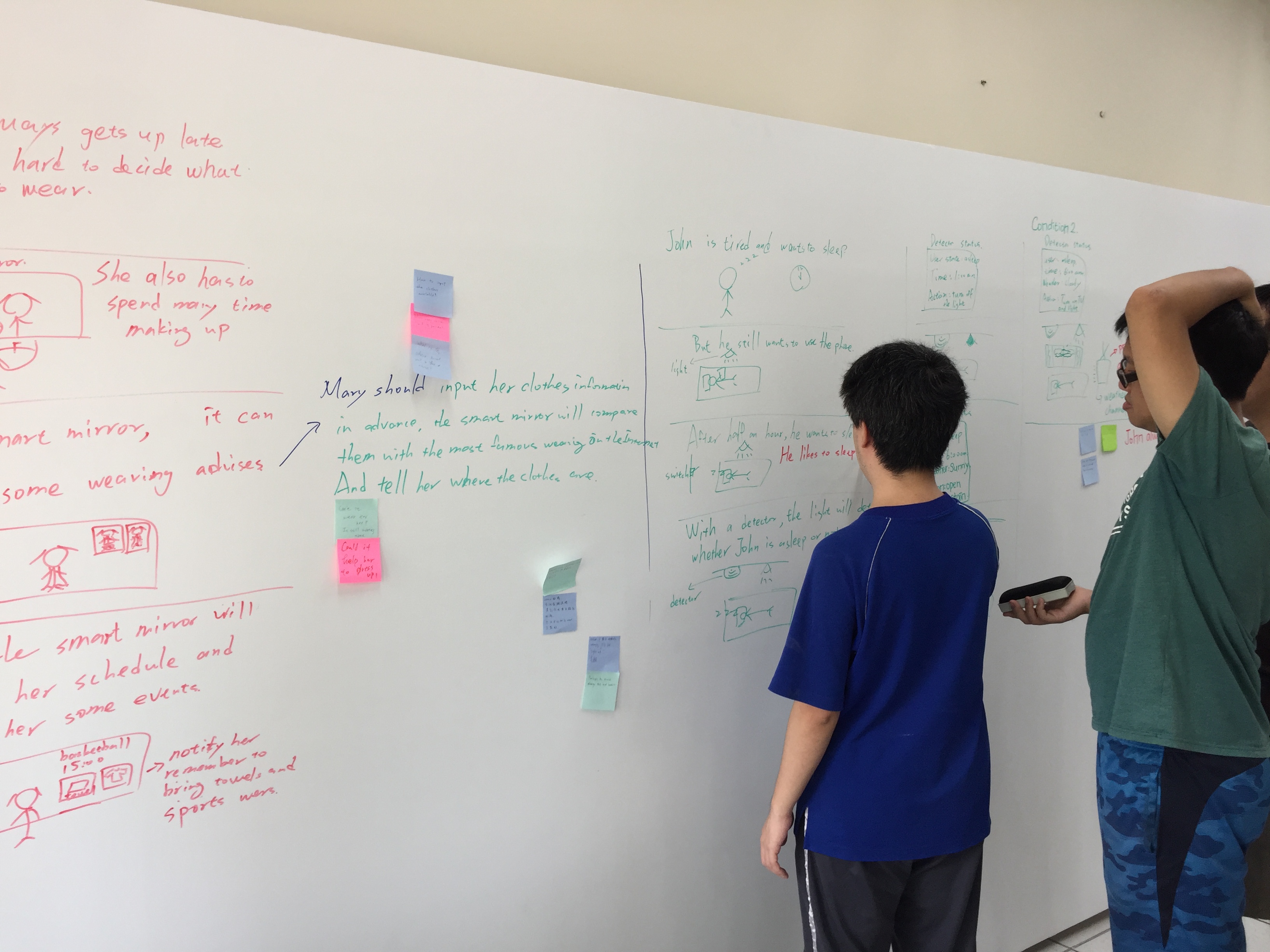
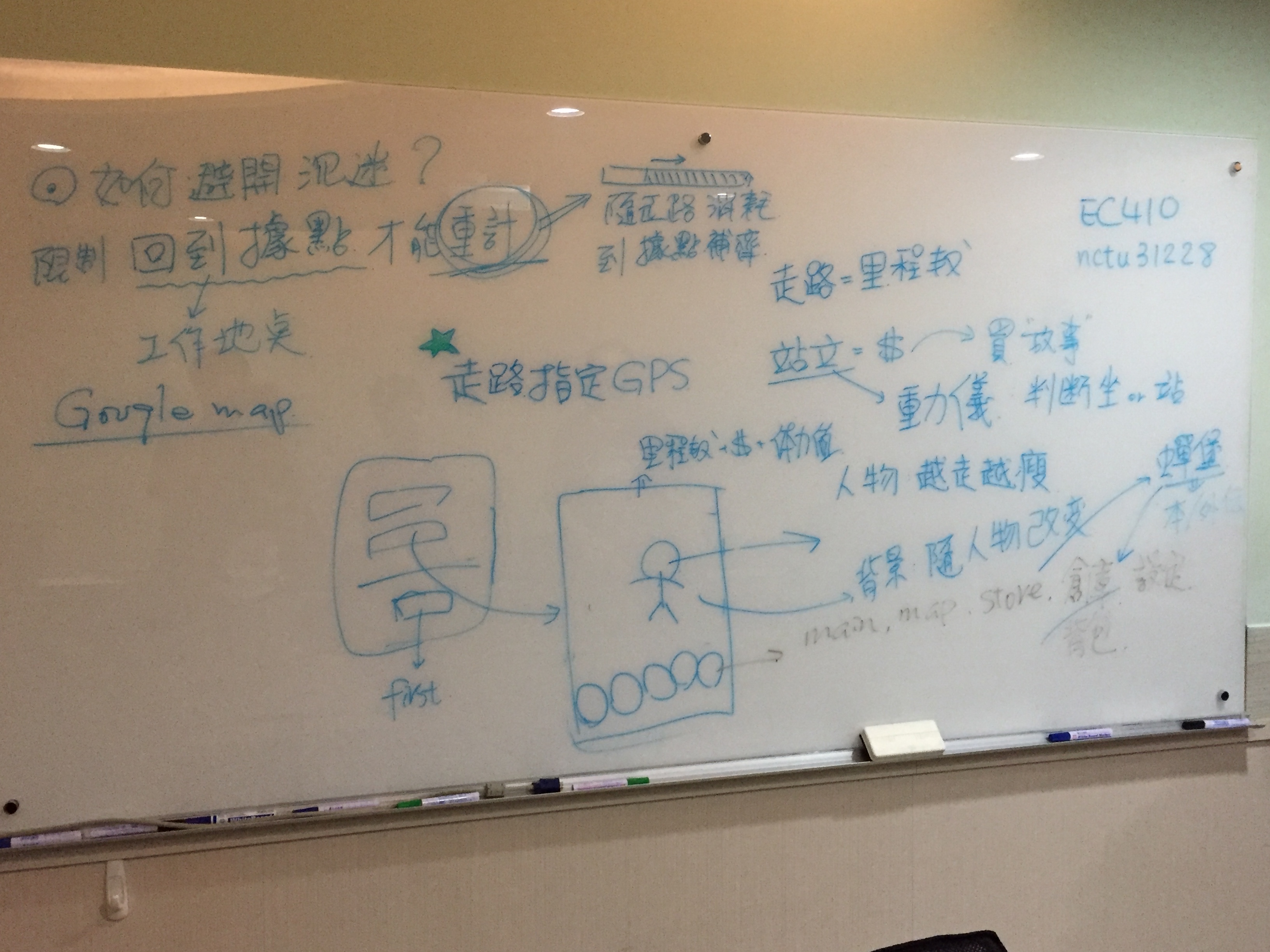
Original Design
-
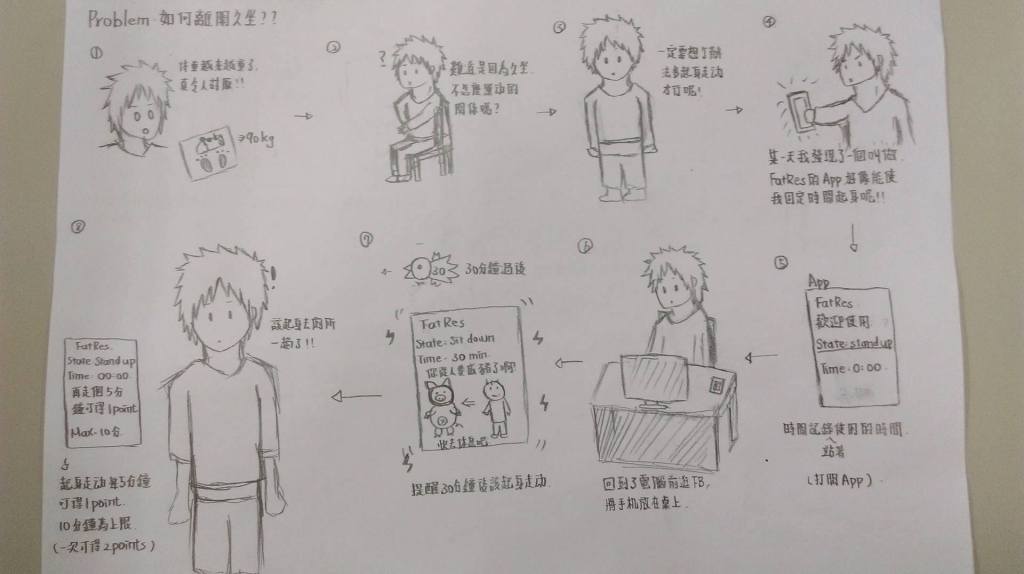
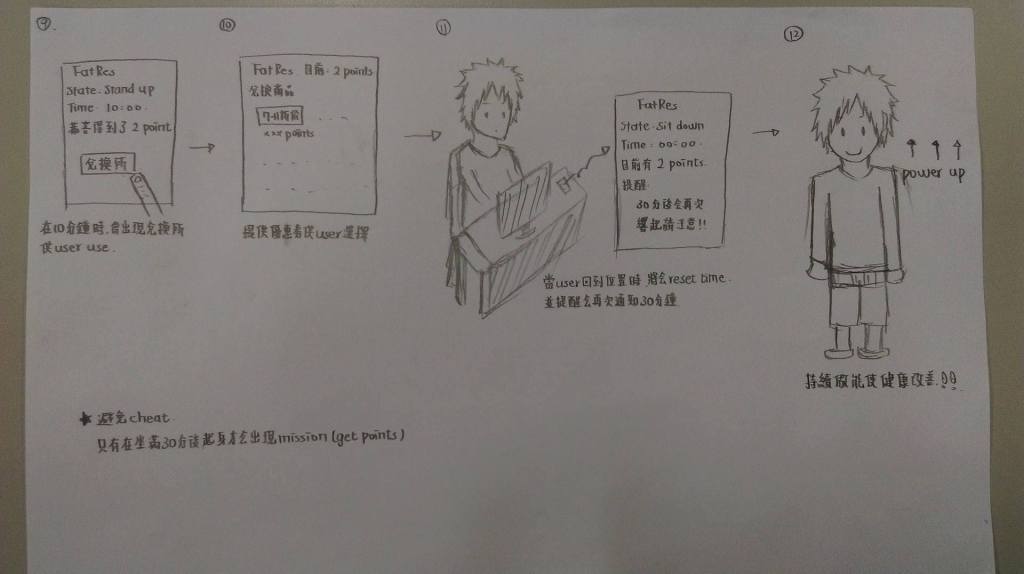
The game will inform the player to stand up periodically and can get points based on how long he stands up, and he can use them to exchange some coupons
-
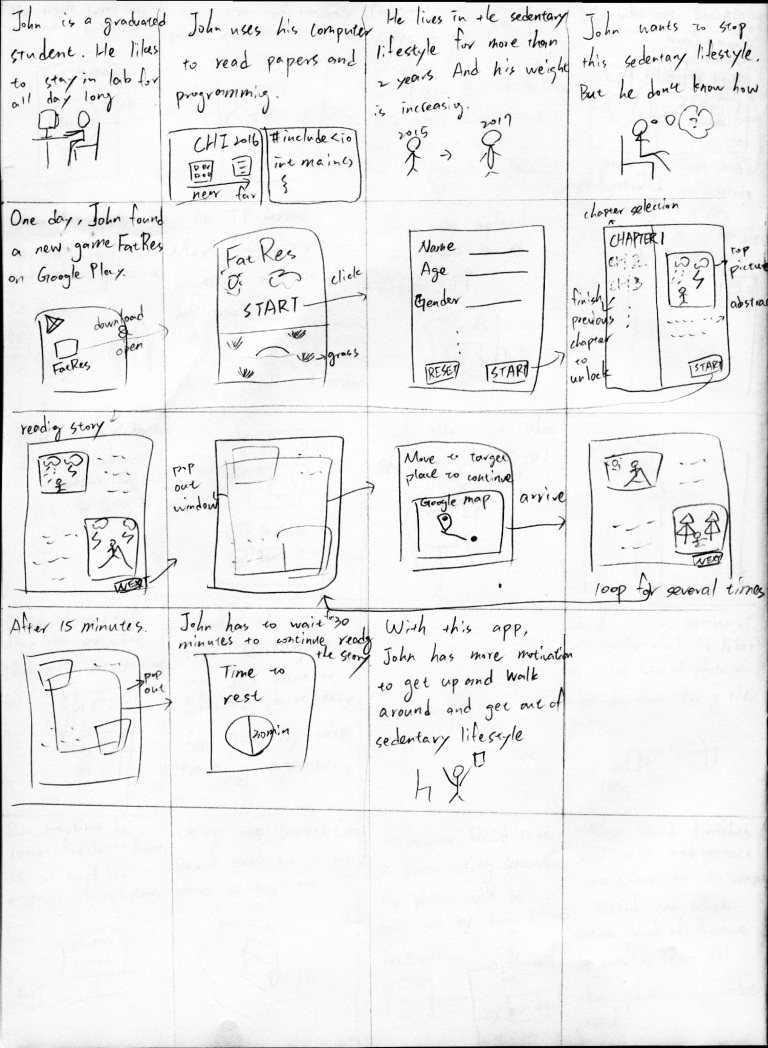
The game is a story book. Player should move around to unlock next chapter of the story
-
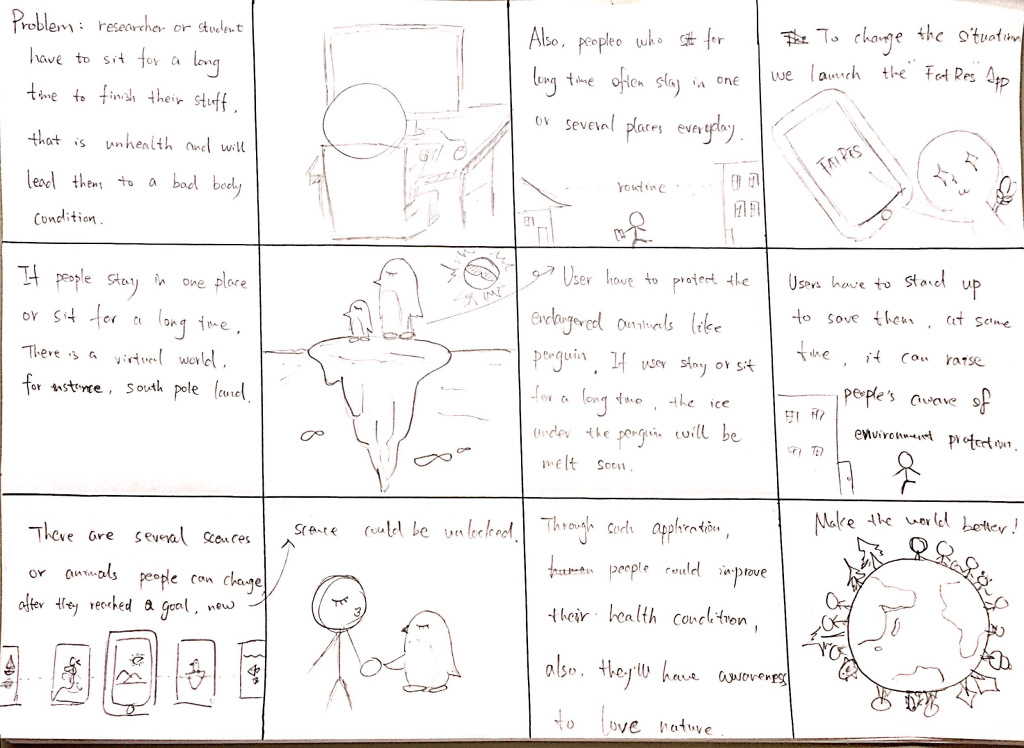
Player should walk around to save the animals in the virtual world. They can change the scenes when reaching some goals
-
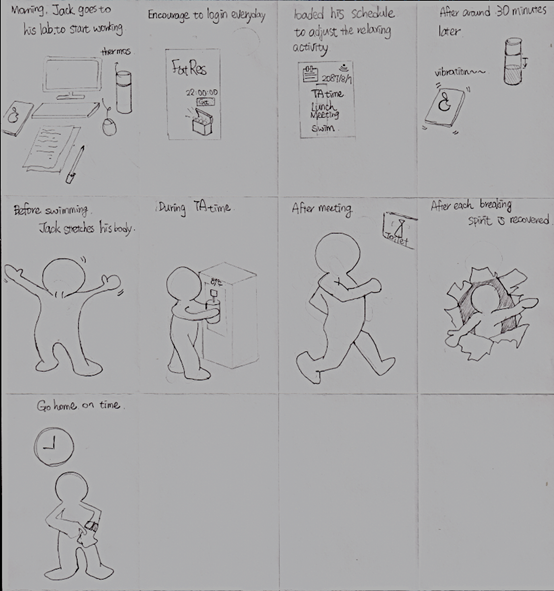
FatRes is a scheduling tool that reminds user to stand up
Feature Selection
- We considered that some users need to work for a continuous period, so we gave up the periodical notification.
- We like the idea of gathering points and exchanging for something, so we remain this feature and separate it into standing and walking parts.
- We turned the coupons into stories, clothes, background and music.
- We turned the idea of changing scenes into traveling cities in the virtual world, and the items in 3 will present the culture of each city the player visits.
Lo-Fi Prototype
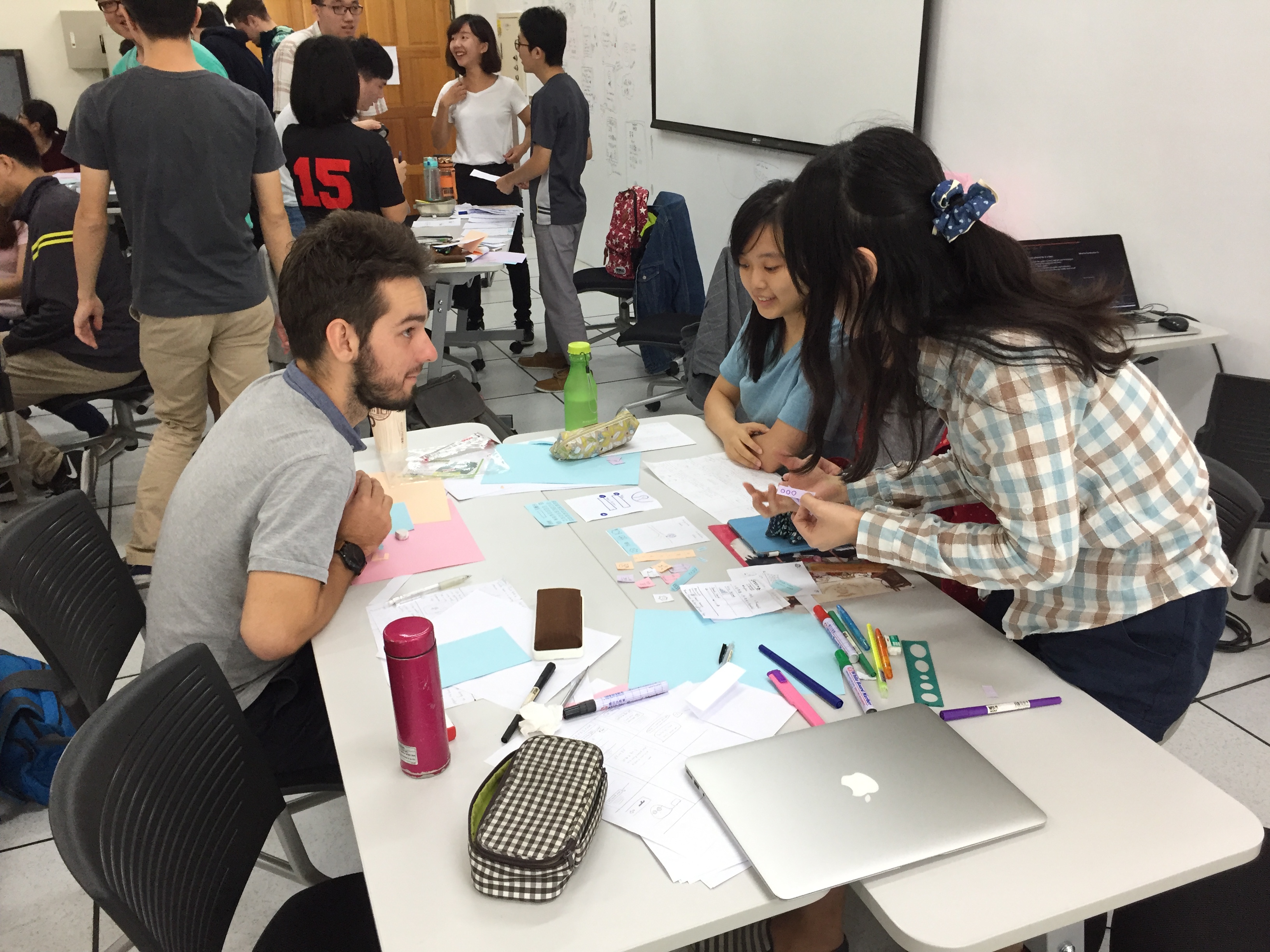

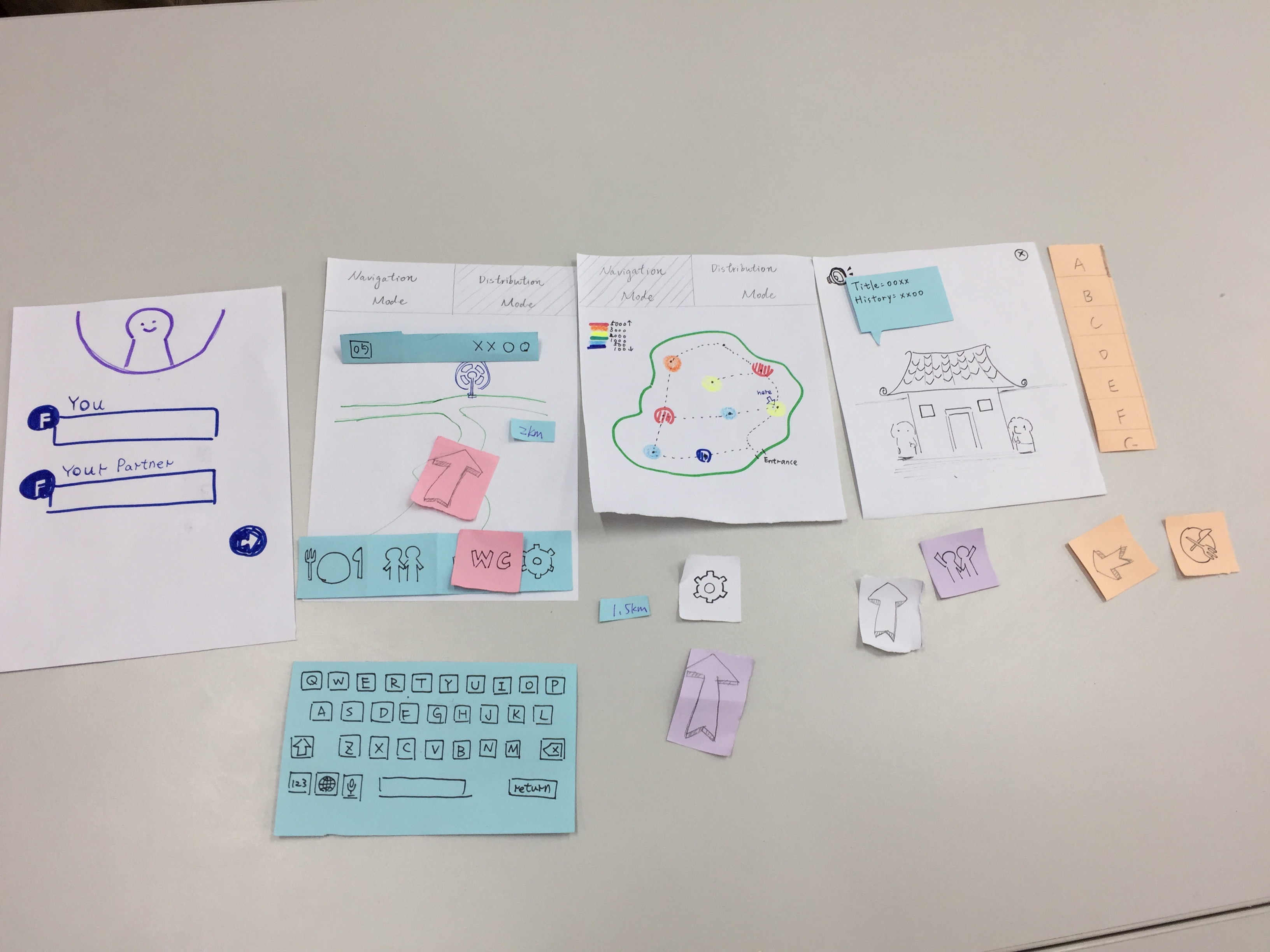
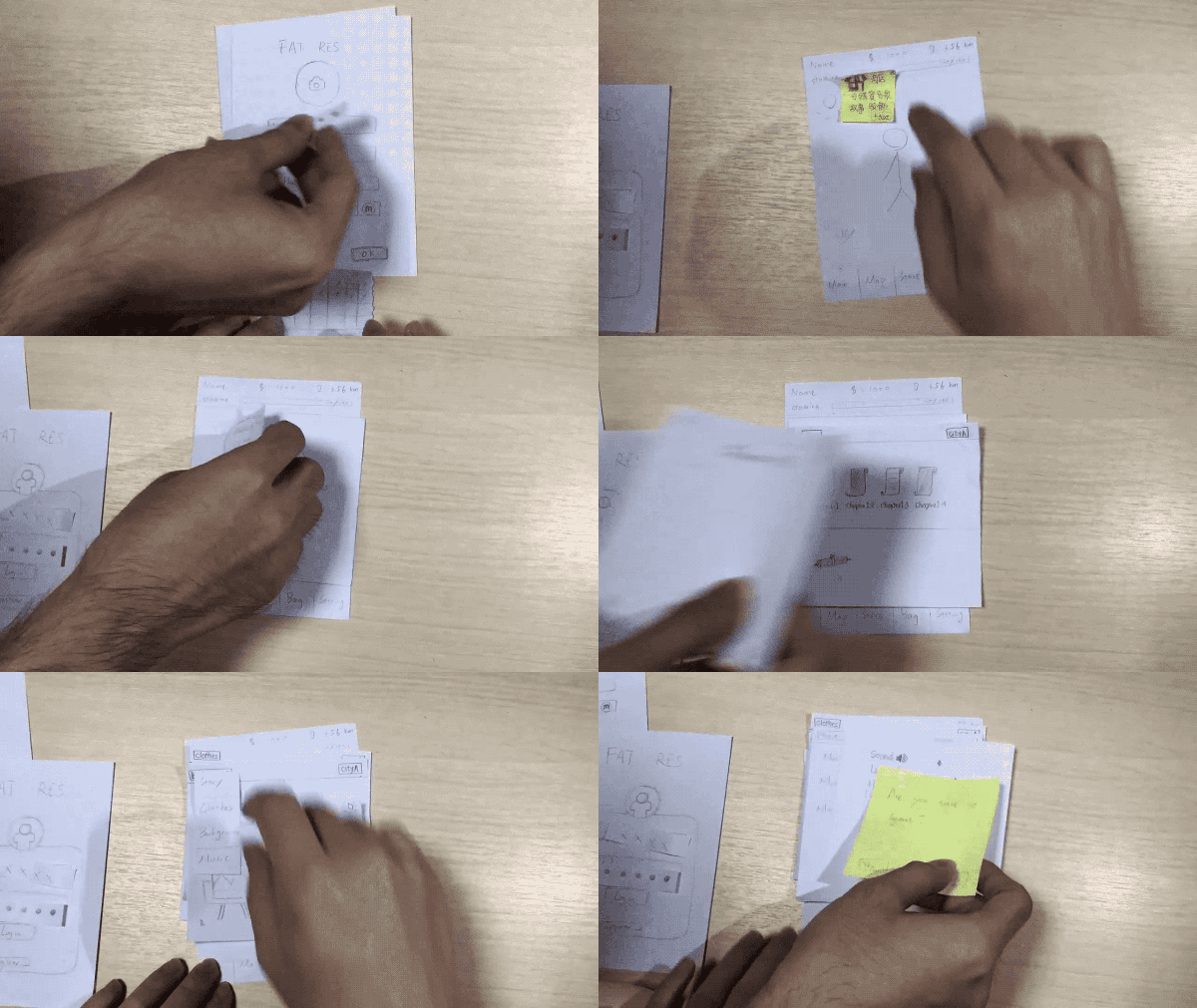
FatRes Lo-Fi Prototype Description
- Player should stand up to get Money (10 gold/min).
- Player should walk outside the Home to get Distance (1m in game = 1m in real). Walking outside the home will cost stamina (1%/m). Without the stamina, player can not get Distance anymore. Staying in the home will restore the stamina (1%/min).
- Traveling to other city would cost some Distance.
- Player can buy stories, clothes, background, background music in store. And these items are related to the city’s culture.
- Player can decorate his avatar in bag scene.
- There are two version of stories, normal version and special version. Player can buy all pieces of normal version stories in FatRes. However, player can only buy one piece of special version story of each city, which is random chapter and not knowing total number of chapters. We encourage players to share and discuss their special version stories to the other players.
Feedbacks & Design Changes
In the last milestone, we proposed a prototype as a game. We wanted to use the game to encourage users to stand up and walk around. However, we faced several issues:
- It was too similar to Pokemon Go -> Little value for designing another game for walking
- Not everyone like to play games -> Narrowed down our target users
- Users may give up playing the game because of laziness -> Lazy is a big boss
We tried to use physical feedback to solve the issues.
- Everyone needs to drink water
- No one hates drinking water
- No one gives up drinking water
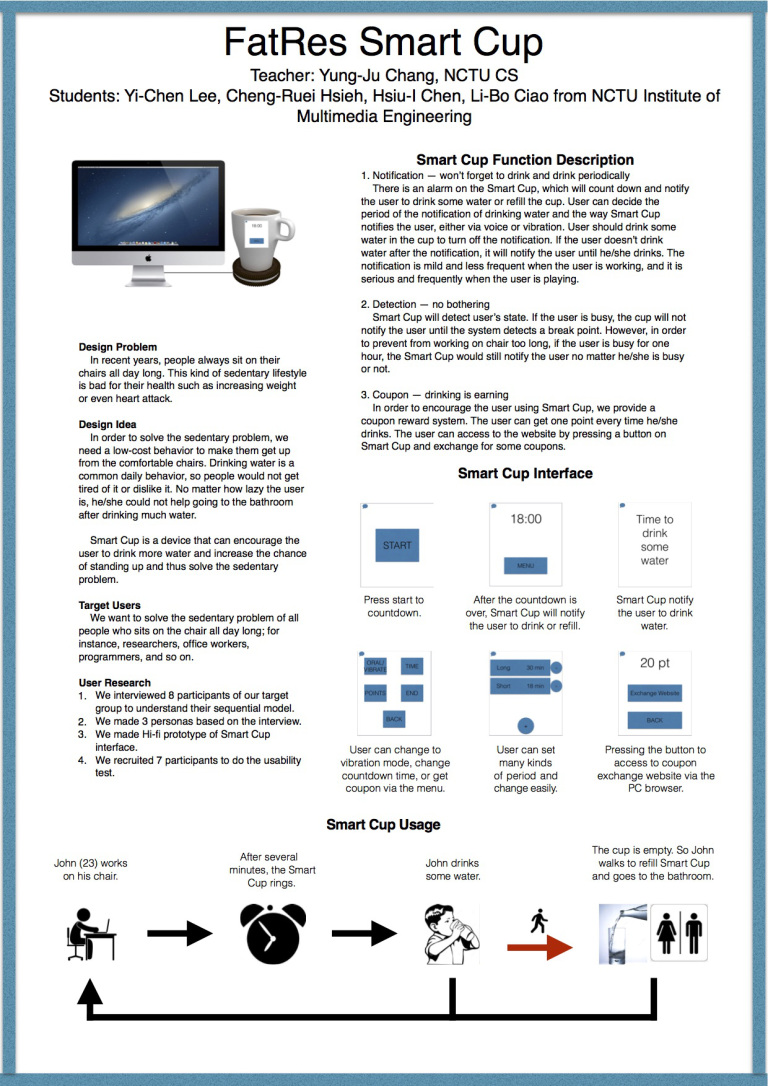
So we came up with a new design, Smart Cup. We want to increase the amount of water the user drinks so that they would have to get up and go to the bathroom more frequently. Finally, we hope the user can form a habit of drinking water and going to the bathroom and hence get rid of sedentary lifestyle.
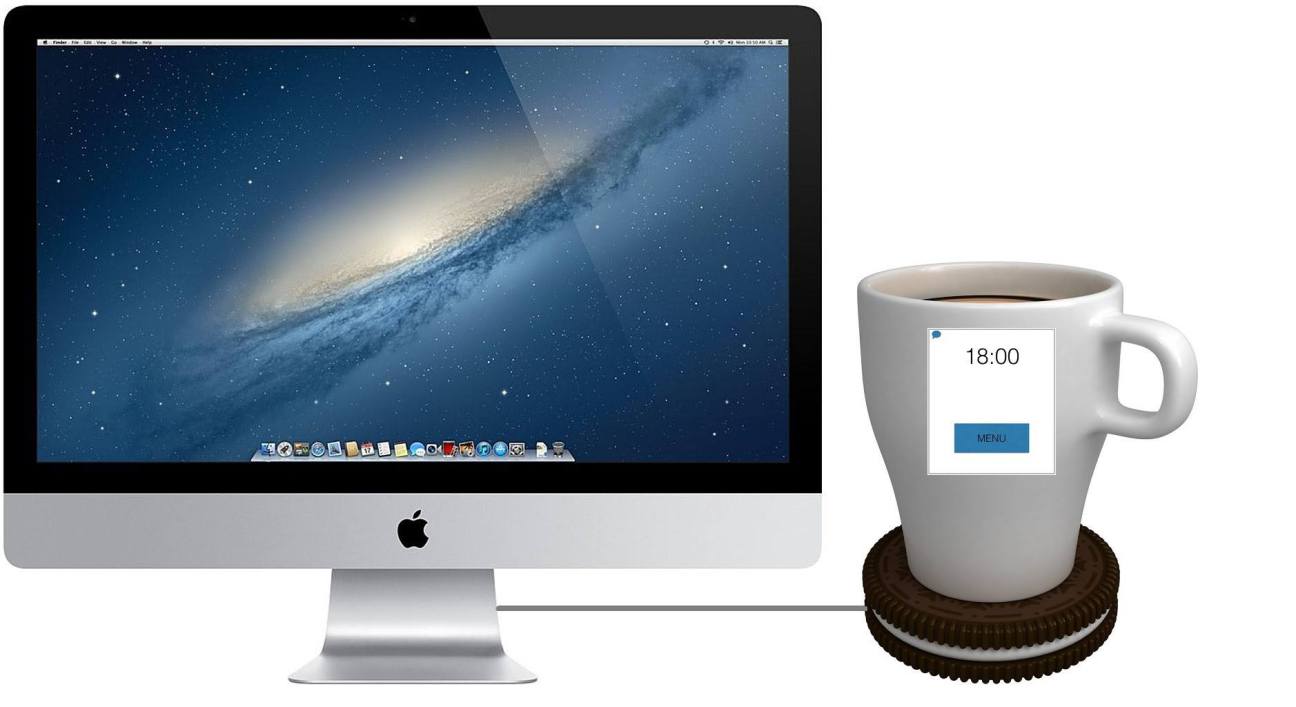
Key Task
- Remind the user to drink water periodically when the user is not busy
- Remind the user to stand up and refill the cup with water
- Let user’s body to inform him/her to go to bathroom
Design Details
Detection
The cup will detect whether the user is busy or not. If the user is busy, the cup will not notify the user until he/she switches to less important task. If the user is not busy, the cup will notify the user to drink some water every 18 minutes. User can determine the period length
Notification
The notification has 2 modes, vocal and vibration a. The user can select the mode he/she wants to use b. The system will detect the environment and decide which mode is better to use. In the vocal mode, the cup will tell the user to drink some water with hierarchical emotional words. For the first time, the cup will tell the user, “it is time to drink some water.” If the user doesn’t drink the water in 30 seconds, the cup will say, “drinking water is good to your health”, “if you don’t drink water, you will get fat!”, “drink it you such a pig!”, separately every 30 seconds. In the vibration mode, the cup will vibrate to notify the user to drink some water. Similar to vocal mode, the cup will vibrate in a hierarchical pattern. It will vibrate once, twice, 5 times, 5 double vibrates, and continuous vibration separately every 30 seconds. User should drink at least 100ml or all the water in the cup to turn off the notification.
Refill
If the user does not refill the cup after drinking within 2 minutes on the plate, the cup will notify the user to refill it by turning the color of the cup into red. When the user pulls water into the cup, the cup will display how much water in the cup by changing the color outside. If the water level is over the threshold, the cup will beep once to notify the user. Once the cup is put onto the coaster, it starts to count down and detect the user’s state.
Coupon
The user can get one point every time he/she drinks, i.e. drinking 100ml for one point. The user can go to the coupon exchange website via the QR code.
Hi-Fi Prototype
Smart Cup is a system that can remind user to drink some water periodically and when the user is not busy. We want to use the behavior of refilling and going to bathroom to increase the chance the user stands up.
Usability Test
Goal
We want to know how our Smart Cup influence the participants’ feeling and efficiency while working or playing, and whether Smart Cup can really solve the sedentary problem.
Participant Recruitment
We recruited our friends as our participants because they are sedentary researchers, which is our target group. We totally recruited 5 participants.
Test Setting
We went to participant’s lab or the place he/she likes to work/stay in. We asked the participant to prepare a cup or bottle as a substitution of the Smart Cup, and we researchers pretended the notifier of the Smart Cup.
Task Procedure
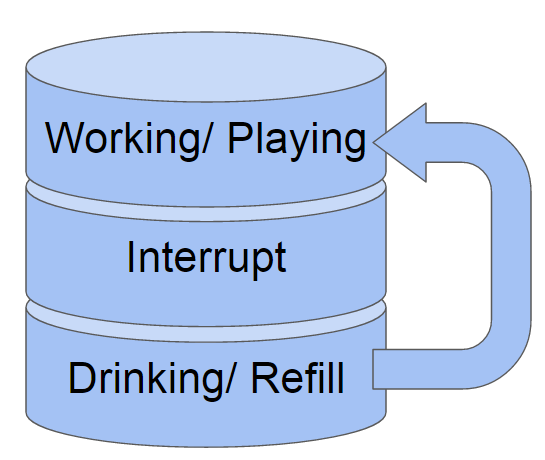 We described the function of the Smart Cup and our purpose. Participants were instructed to drink some water every 10 minutes, and we would notify them so they didn’t need to worry about it was time up or not. We chose 10 minutes as a period because we don’t want to last the experiment too long.
There are 2 factors in our usability test, situation (working or playing) and task (drink or drink+refill). All participants had to do the tasks of all the conditions. The order of situation is counterbalanced, more specifically, 2 participants started with playing, and 3 participants started with working. The task was in fixed order: drink, drink + refill, drink, drink + refill. This order is simplified but similar to our real drinking behavior.
Data Collection
After the test, we interviewed the participants about how they feel about the product and the test, and what problem they faced. Also, how the Smart Cup influences their drinking behavior and sedentary lifestyle.
Findings
- Participants usually refill the cup and go to bathroom at the same time they stand up. Although this may reduce the chance for participants to stand up, we think it can still help participants getting out of sedentary lifestyle.
- Most participants reported that the Smart Cup can increase the amount of water they drink and the chance to stand up.
- Most participants reported that they were bothered when Smart Cup interrupted their work or play. Some reported that they can’t continue their reading smoothly after the interruption. Some reported that they lost some immersion of playing games when interrupted. As previously mentioned, we set 10 minutes as a period because of experiment time, so we didn’t detect the break point of participants. It turns out that detecting break point of the participant is an important feature.
Improvement
Based on the usability test, we discussed and came out with the following improvements:
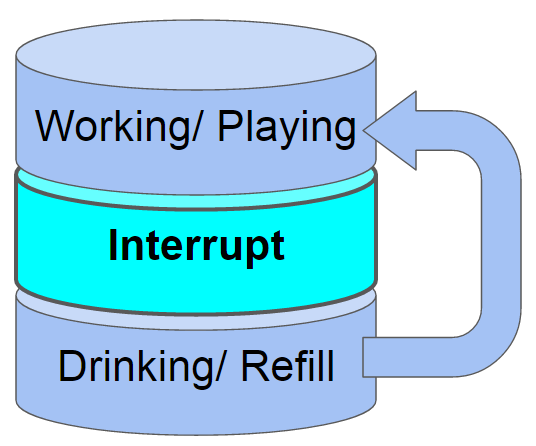
- Improve break point detection. Previously, we only detect whether the user is switching applications or not as a break point. Now we also add the detection of finishing coding of a function, and finishing reading/writing of a paragraph detected by eye-tracker to our break point detect.
- Customizable water consumption. User can decide how much he/she should drink every time, but it should not be lower than 30ml.
- Forced notification. If we still can not detect the break point for over an hour, we will notify the user to drink some water no matter how busy the user is. The reason is that we don’t want the user to be too busy to drink water, and that would have no difference from without using Smart Cup. Although the forced notification would bother the user every hour in the worst case, we think getting rid of sedentary lifestyle is more important, and so we add this feature to our system.
- Remove color changing. We think the user do not need to know how much water remained in the cup. If the cup is empty, the system will inform the user via speech or vibration.
- Coupon exchange button. We change the QR code to a button that can directly access to the website via the browser in user’s computer.
Summary
Smart Cup has the following features:
- Customizable period of water drinking notification countdown.
- Customizable required consumption.
- Break point detection.
- Speech/vibration mode
- Point collection and coupon exchange.
Final Poster
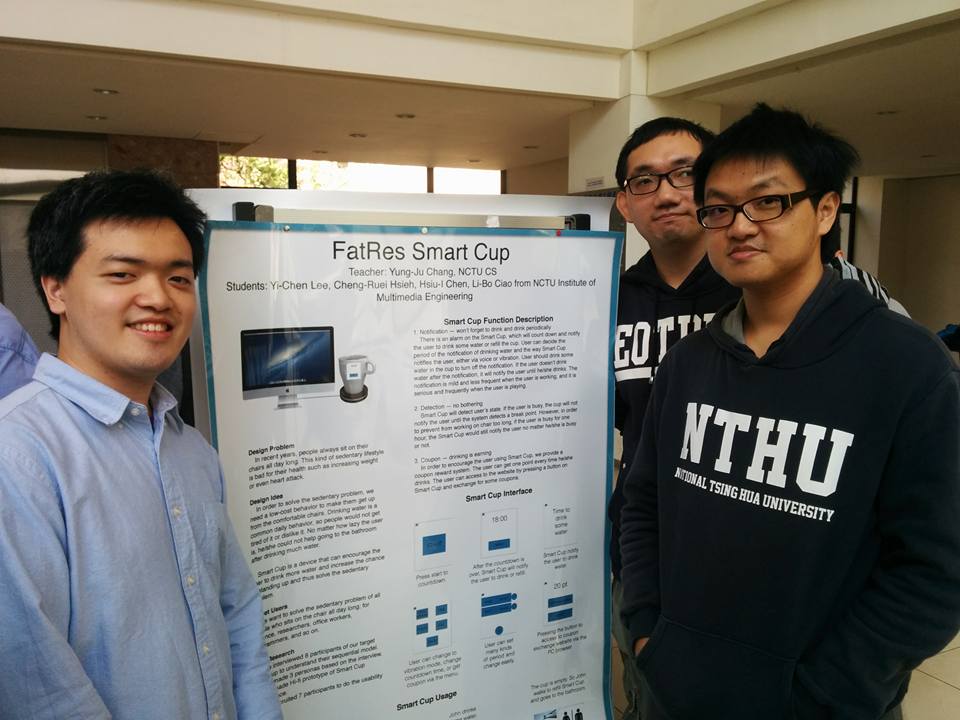
Exhibition